0118+ · directing, explained
AI porn you direct, one line at a time
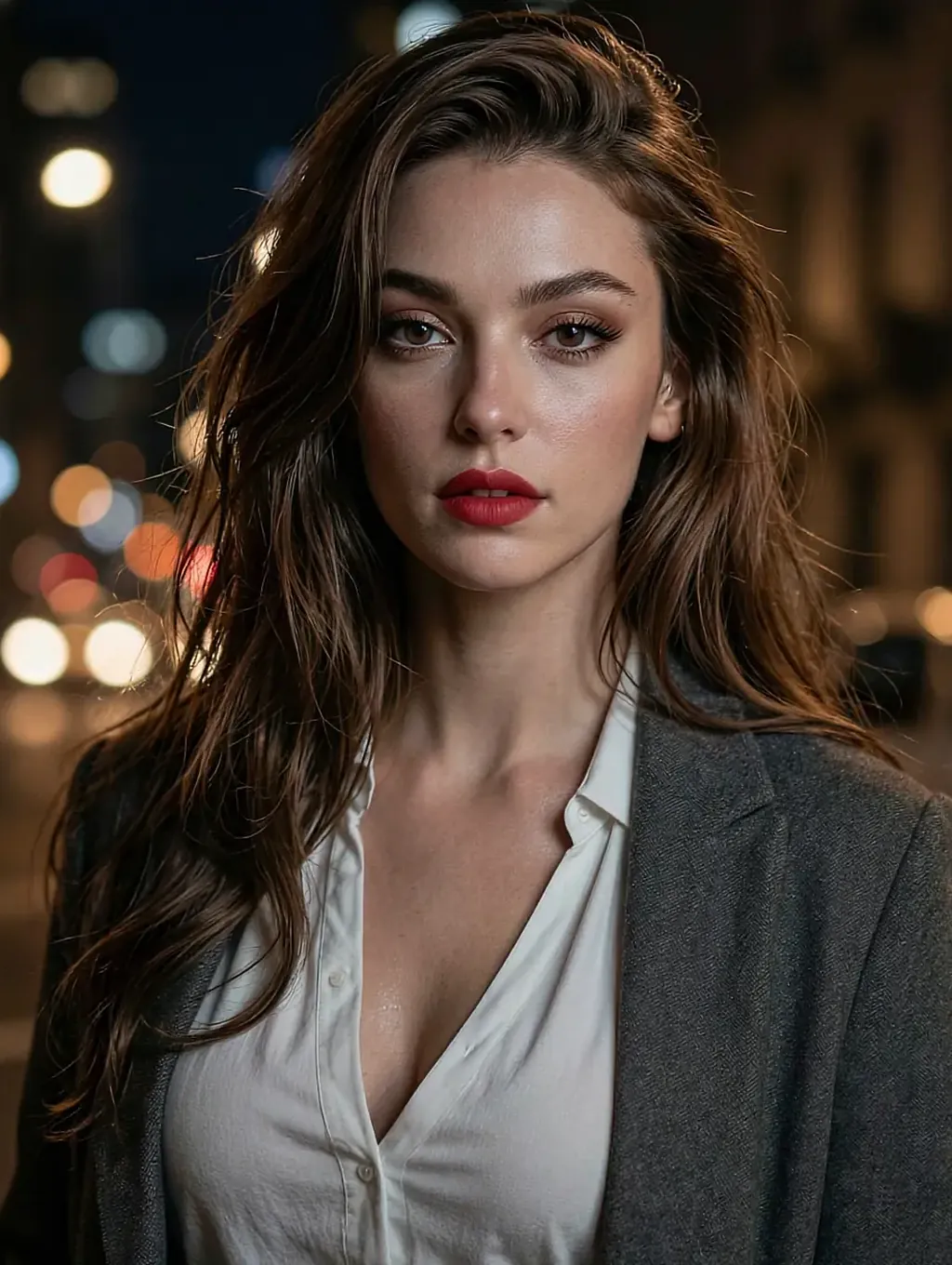
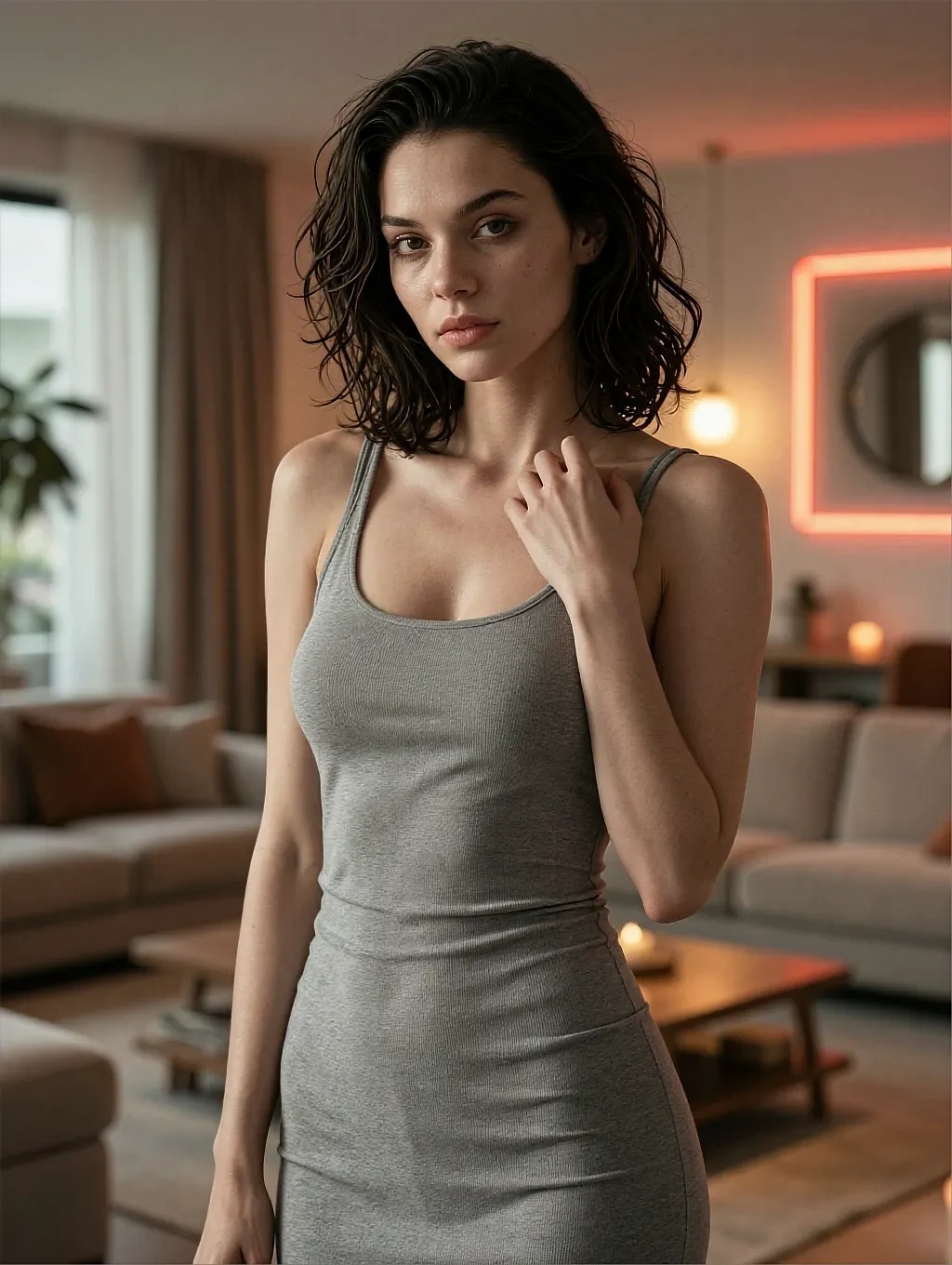
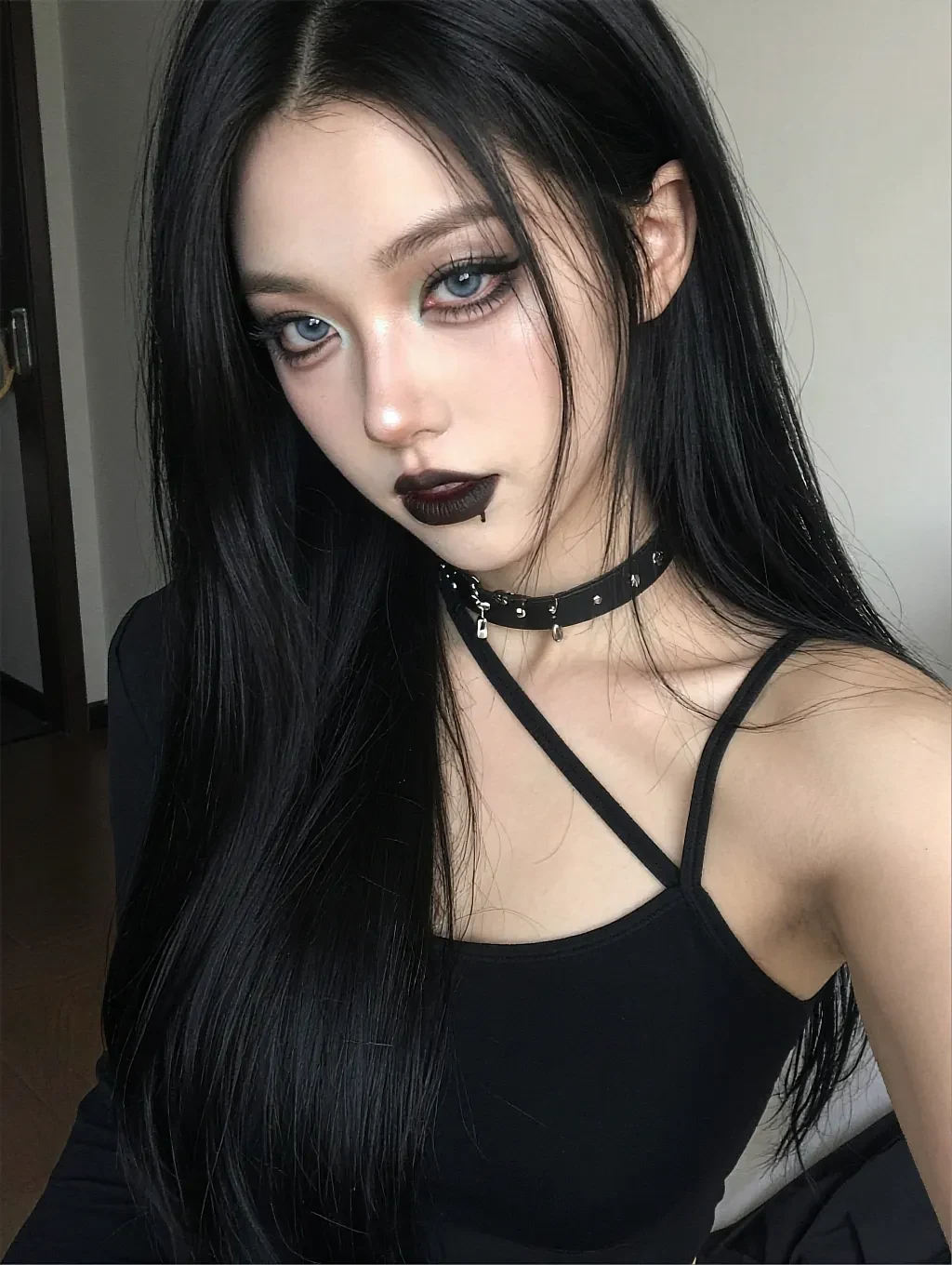


This page is the manual: what a stage direction looks like, what the scene does with it, and how far mid-scene steering actually goes.
Fictional AI characters only, every one written as 21 or older.

You directStay by the window. Tell me what comes off first — but make me wait for it.
VeraThe earrings. You'll have to earn everything after that with a better line.
- Plain-word steering
- Mid-scene turns hold
- No script to follow
- 18+
02The detail
A direction is not a request — the scene treats it as law
The difference between chatting and directing is who owns the next beat.
In ai porn you direct, your message is a stage instruction, not small talk. Write "slower", and the pacing changes from the next line. Write "we're in the elevator now", and the setting moves without a reset. The character keeps her written temperament through every turn — that's the craft of it: the voice stays hers while the plot stays yours.
There are two ways to hold the pen. Micro-direction: short, blunt lines that steer beat by beat — best with fast characters. Or scene-setting: a paragraph up front that furnishes the whole room, after which you mostly answer. Both work; mixing them mid-thread is legal too.
What directing doesn't do: it doesn't turn frames into footage. The portrait stands still while the text obeys — every scene here is honest about that, on this page and inside the product.
What works well
- The next beat is always yours — no autoplay, no fixed script
- Setting, pace and power balance all steerable mid-scene
- Characters hold their voice through your plot twists
- Rules you set in scene one are still standing in scene five
- Works in short blunt lines or long scene-setting paragraphs
Worth knowing first
- You do the writing — a blank box takes more nerve than a thumbnail
- It's still frames plus text; nothing on either side is video
- Every character is fictional, written as an adult
- The longest threads sit behind an optional upgrade
03On this page
Three directions, three very different scenes
Tap a frame to put it on the stage — each caption is the direction that opened it.

The slow order
"One button. Just one, and hold my eyes while you do it" — four beats later this scene was still on the first button.
Tap any frame — it takes the stage, the rest make room.
04In practice
What a first direction actually looks like
Skip the greeting. "Hey" hands her nothing to play; a direction hands her a scene. The pattern that works: place, state, first move — "Backstage, ten minutes before you're on. You're not nervous about the show." Three clauses and the scene is already moving.
Then steer by exception: only write when you want a change. Silence is a direction too — she carries the beat until you take the wheel back, which is what makes long threads feel directed rather than dictated. When you're ready to test it, the button below opens the catalog free.
05Quick answers
Directing — quick answers
01Do I have to write long messages to direct a scene?
02Can I change the setting in the middle of a scene?
03What happens if I give a direction she'd resist in character?
04Is directing available on the free tier?
05Am I directing a video?
06Keep reading
Four pages, four different questions
Each landing answers one thing the others don't.
07Roll it
Take the wheel for one scene
The button opens the catalog — pick a character, type one direction, and watch it hold. Free to start, no card, and the thread waits for you.